View Marker

Instructions
The marker shown to the left/above is not a QR code.
It is the AR marker you can place onto or near your equipment in the field.
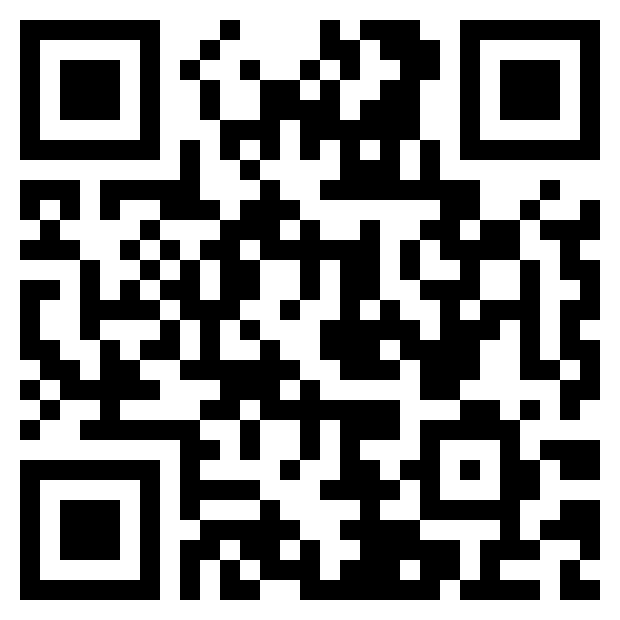
To scan this marker, you'll need to open your browser on a mobile device (such as a phone or tablet) and open the link below...
https://train.optrix.com.au/s/tele/ar
Alternatively, you could scan the code below on your phone to open AR.